Phone Box
A 3D-printed phone lockbox with a servo latch, a touchscreen countdown and a tunable emergency override, paired over Bluetooth to an iOS app. Working prototype.
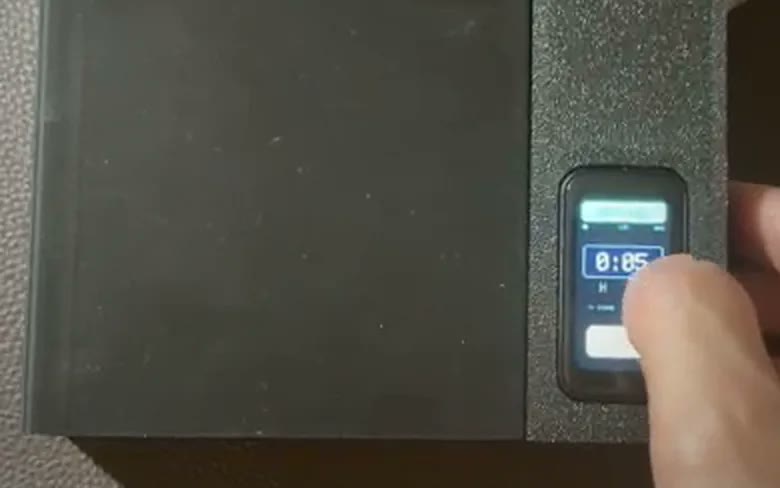
The problem
App blockers are two taps from being turned off. A phone you physically can't reach works. The design problem is the emergency exit: too rigid and you miss a call that matters, too loose and the lock is pointless. So the override takes a number of presses the user sets, every early release is logged, and an incoming call flashes the screen while the latch stays shut.
What I did
- Designed the two-part enclosure in SolidWorks around the ESP32-S3 touchscreen board, servo latch, LiPo and switches, through two full revisions
- Printed fit-test coupons for the hinge, charging port, screen bezel, power switch and locking tab, and checked each against the real parts before printing the full box
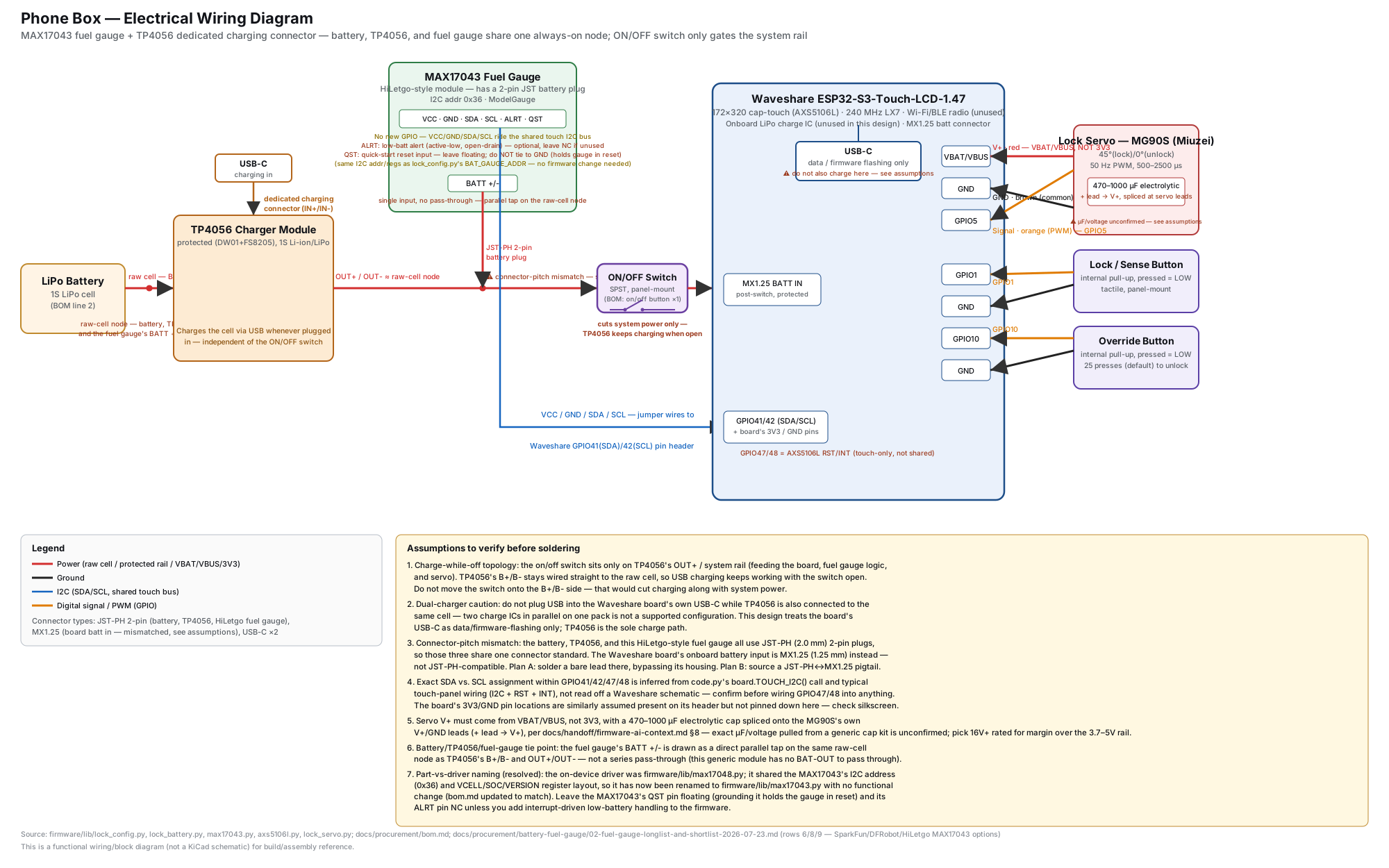
- Found an intermittent servo failure on the bench, traced it to two causes (PWM timer drift and an undersized 3.3 V rail), and moved the servo to the battery rail with bulk capacitance
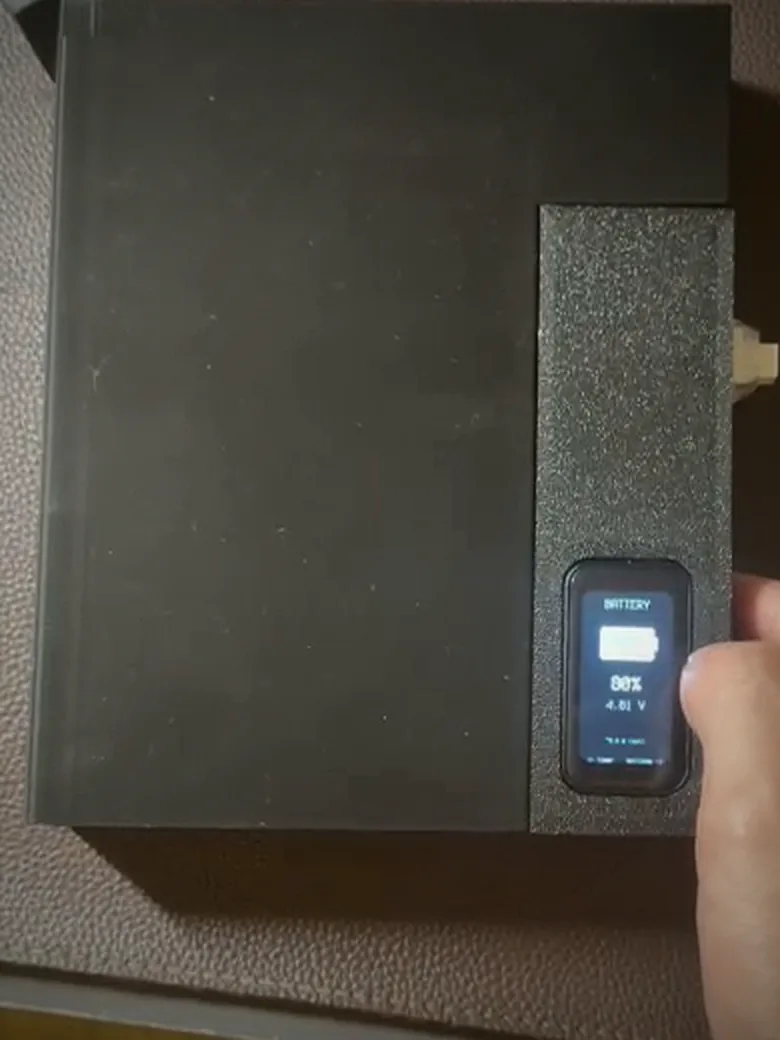
- Hand-modified a MAX17043 fuel-gauge board (cut traces, soldered and crimped it onto the existing I2C bus) for a battery percentage from a fuel-gauge chip instead of a raw voltage
- Wrote the behavior specs for the lock, override and call alert, and tested every firmware and app build on the device
What broke and what I changed
The servo died, only sometimes. Bench-cycling the lock showed two faults at once. The CPU clock scaled down under the servo's PWM timer, and a servo that pulls about 1 A at stall sat on a 3.3 V rail that couldn't supply it. The fix was a 50 Hz re-assert before every move, the servo moved to the battery rail with bulk capacitance, and a brownout counter that recovers the box on its own.
The battery reading was wrong. The board's ADC read consistently off against a multimeter. The fuel gauge estimates state of charge from the cell's voltage curve rather than reading raw voltage, and it shares the existing I2C bus, so it costs no extra pins.
Fit before full prints. Small printed coupons caught clearance problems at a few grams of PLA each, instead of a full enclosure each time.
Results
The lock cycles reliably after the power fixes. The firmware, app, cloud rules and Bluetooth protocol are covered by 2,500+ automated tests (written by the AI agents to my specs), and the iOS app passed TestFlight beta review on 6 September 2026.
Next: CAD renders and teardown photos, and a cheaper display board (about $15) to cut the parts cost.
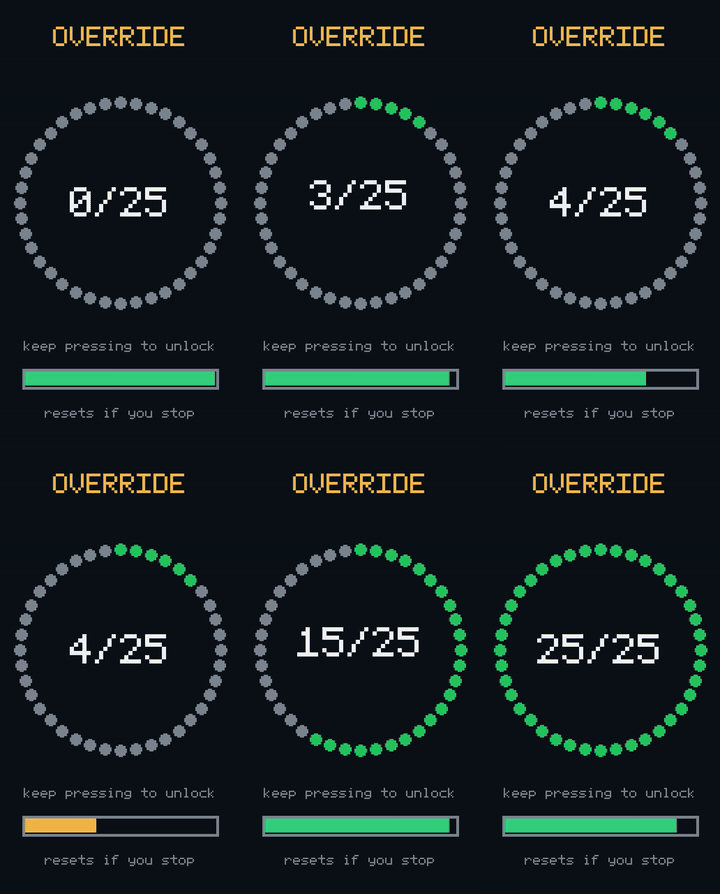
Every screen on the box (13)ShowRendered from the box's real firmware UI code on a laptop, with sample data. The font is a stand-in for the panel's built-in one; the layout and pixel geometry match the 172×320 screen.
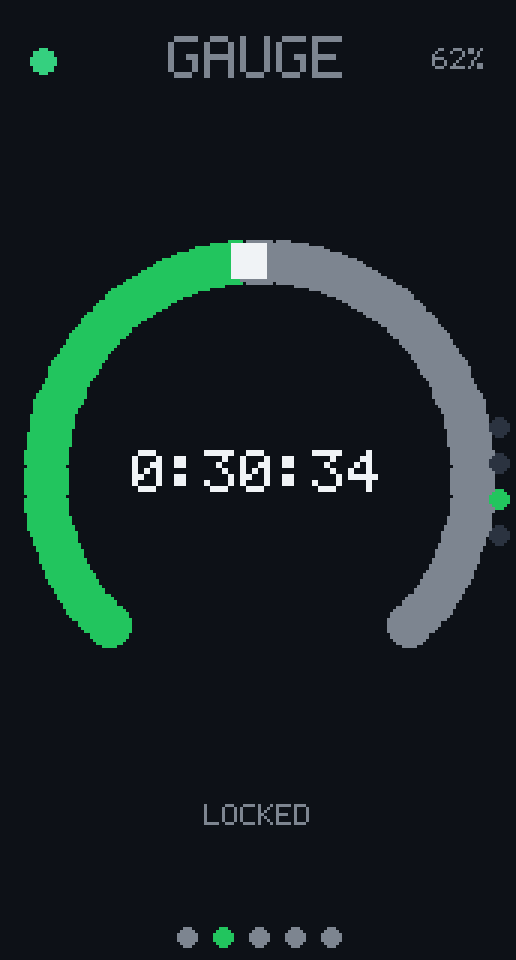 Timer, gauge face
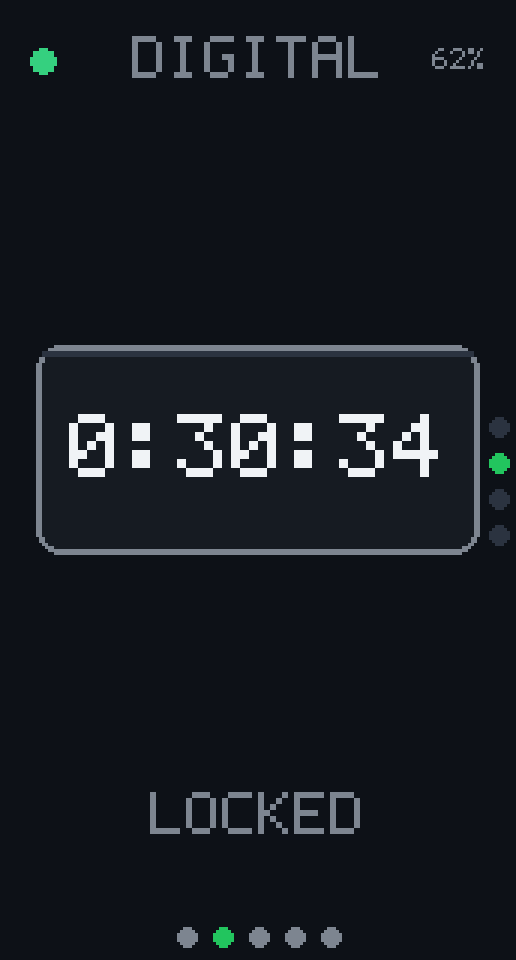 Timer, digital
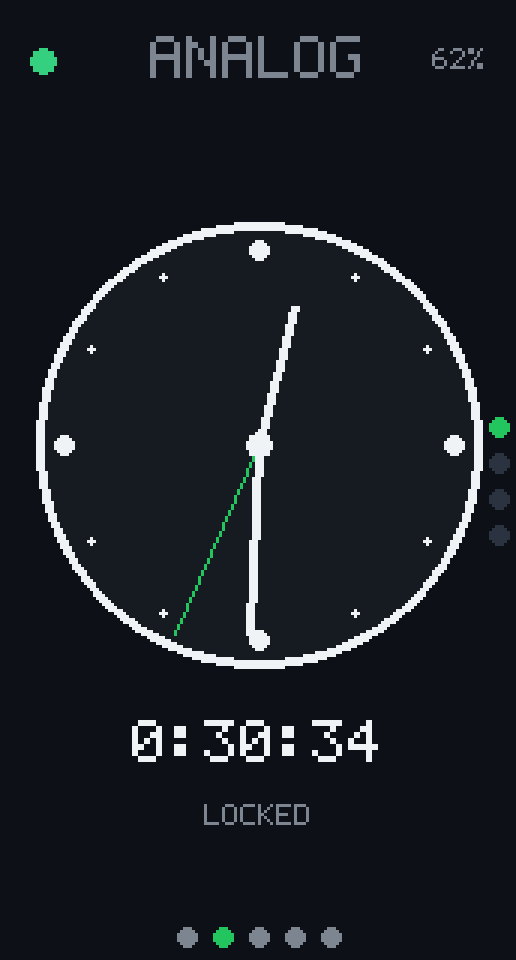 Timer, analog
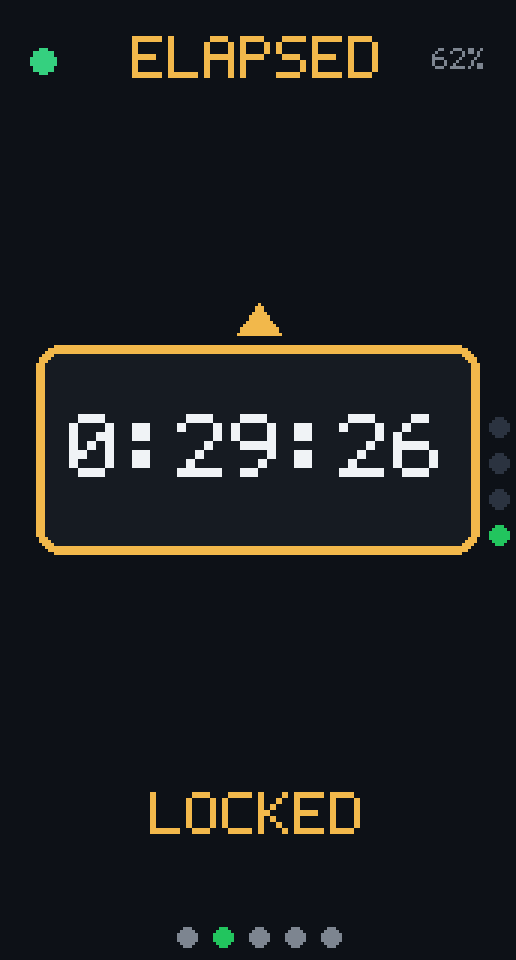 Timer, elapsed
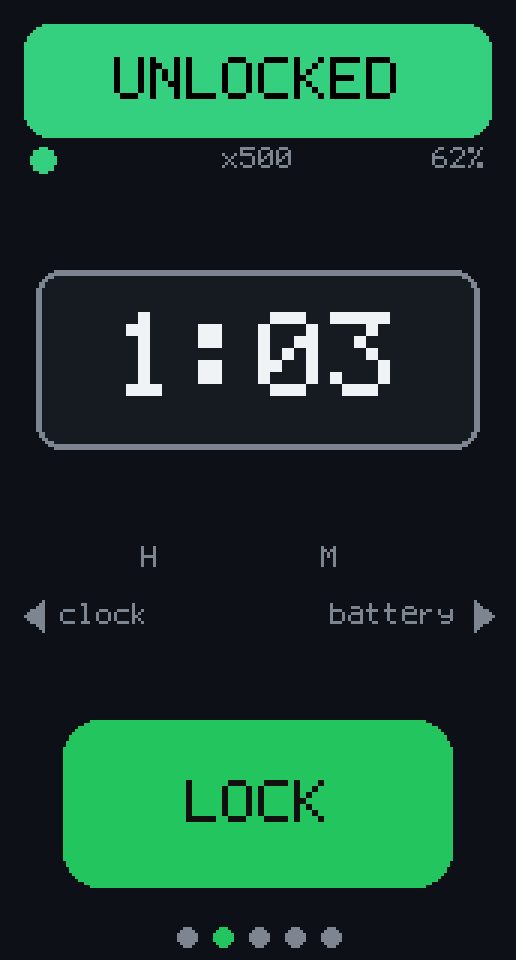 Set and lock
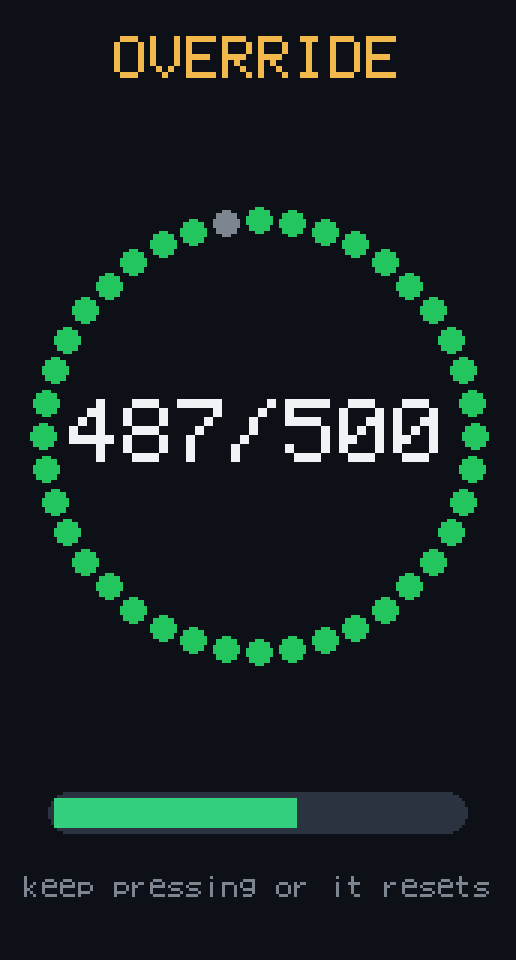 Emergency override
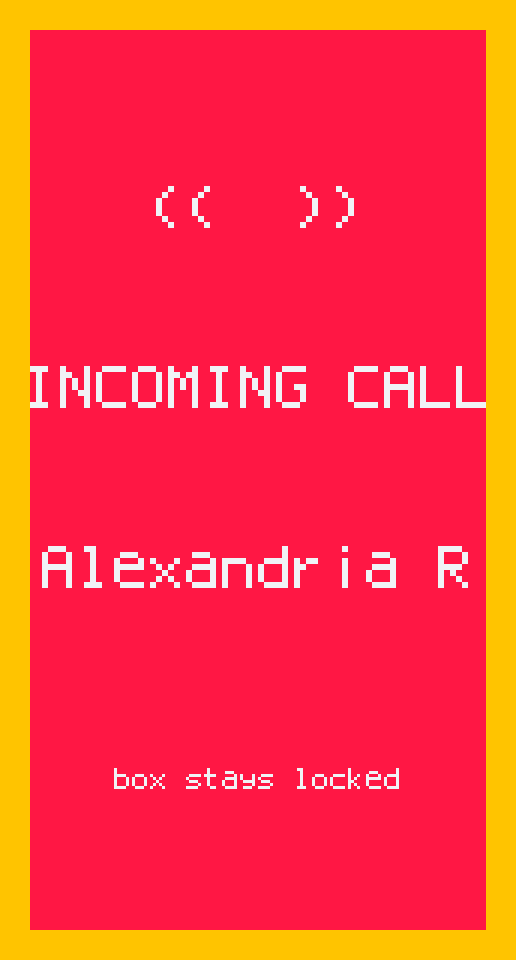 Incoming call
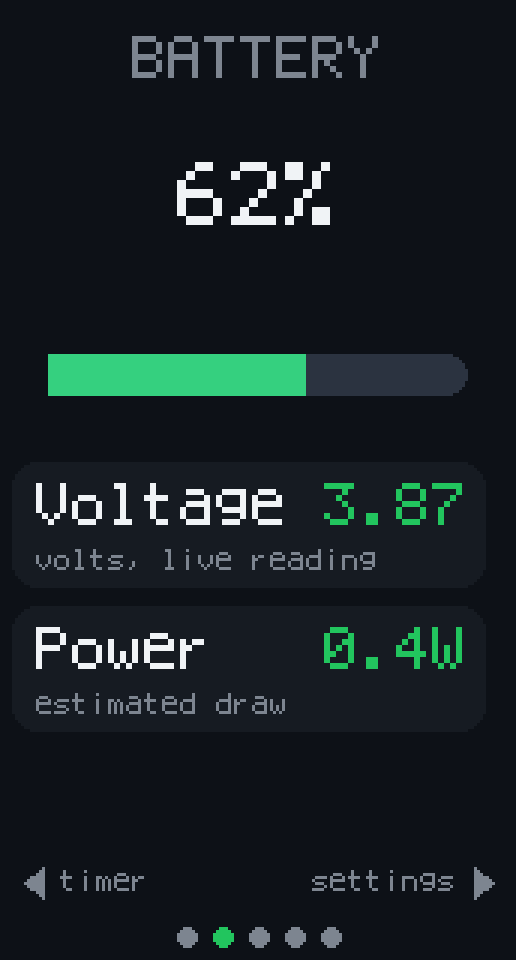 Battery
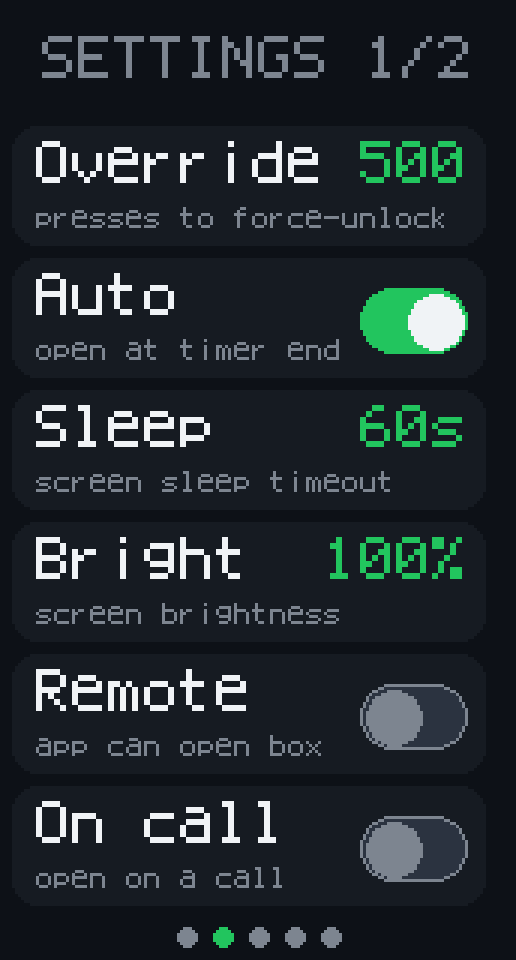 Settings 1 of 2
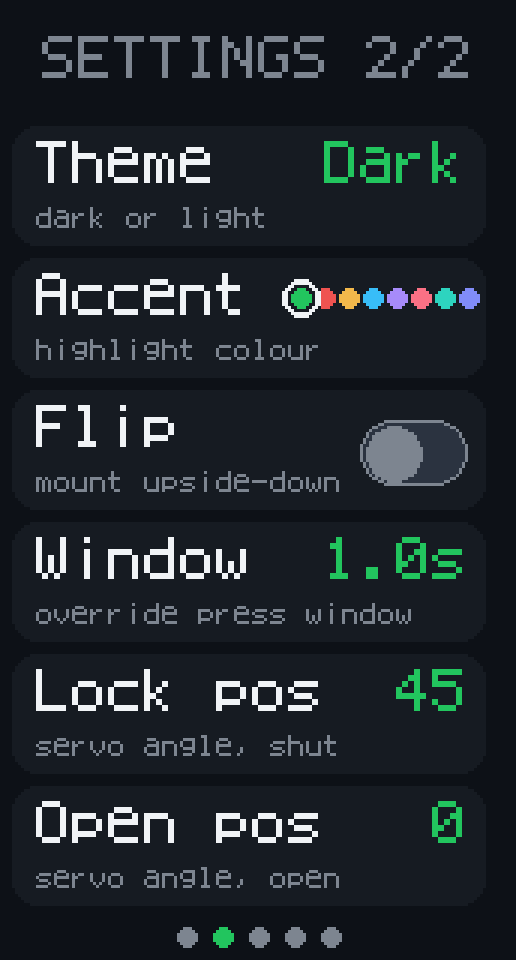 Settings 2 of 2
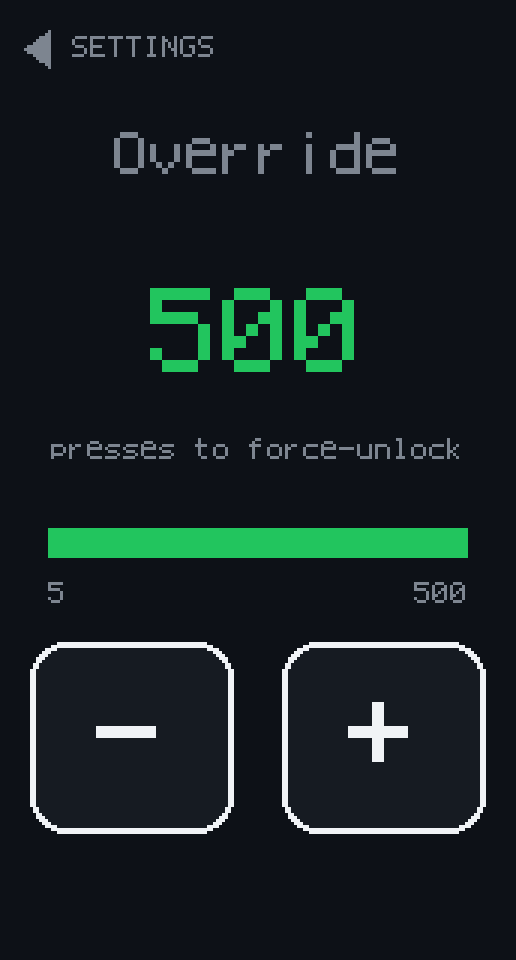 Setting detail
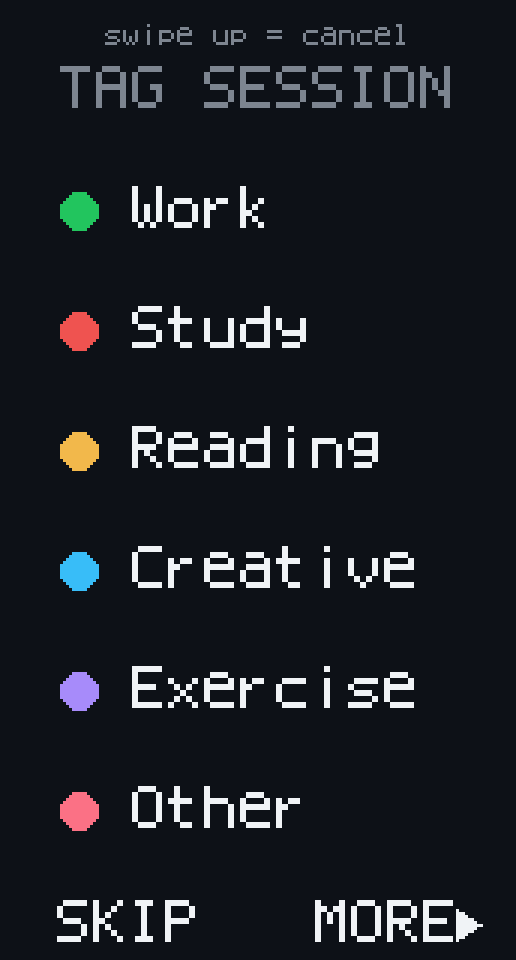 Tag the session
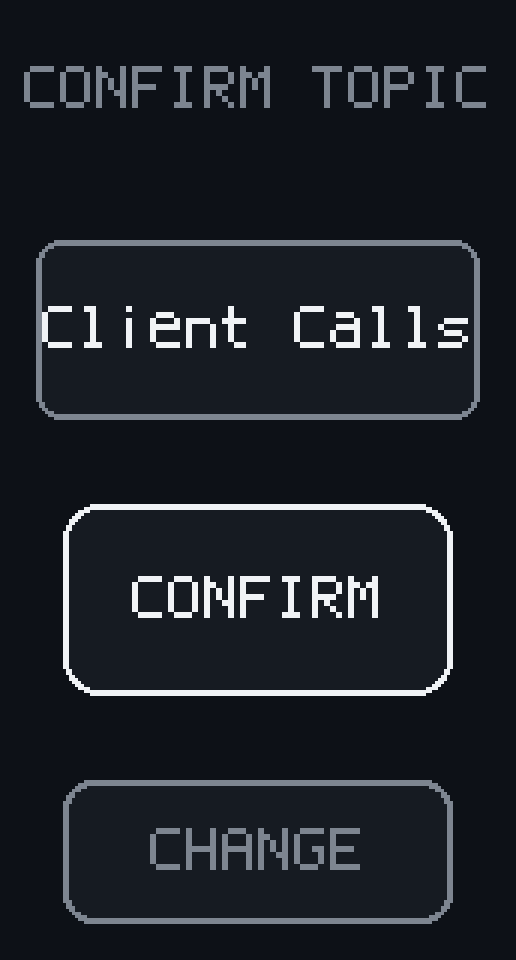 Confirm topic
The iPhone app (7)ShowScreenshots of the real iOS build on an iOS 26 simulator, mostly in demo mode, a simulated box built for App Review. Demo sessions stay on the device and run at about five times speed, so the stats show a single 5-minute session.
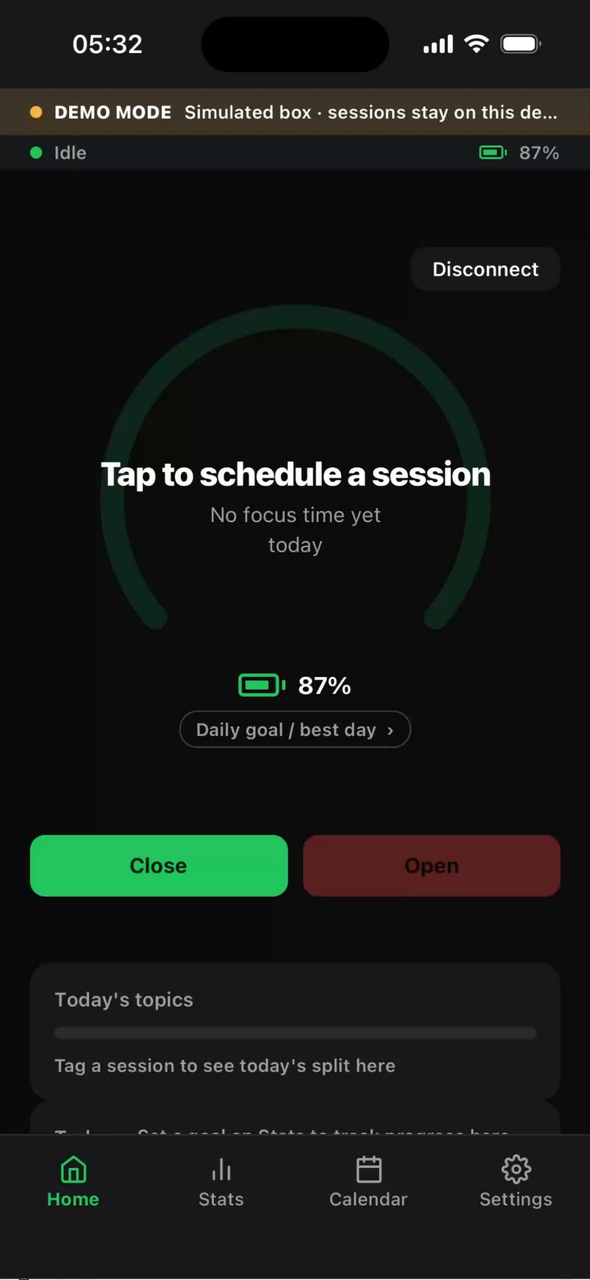 Home, box idle
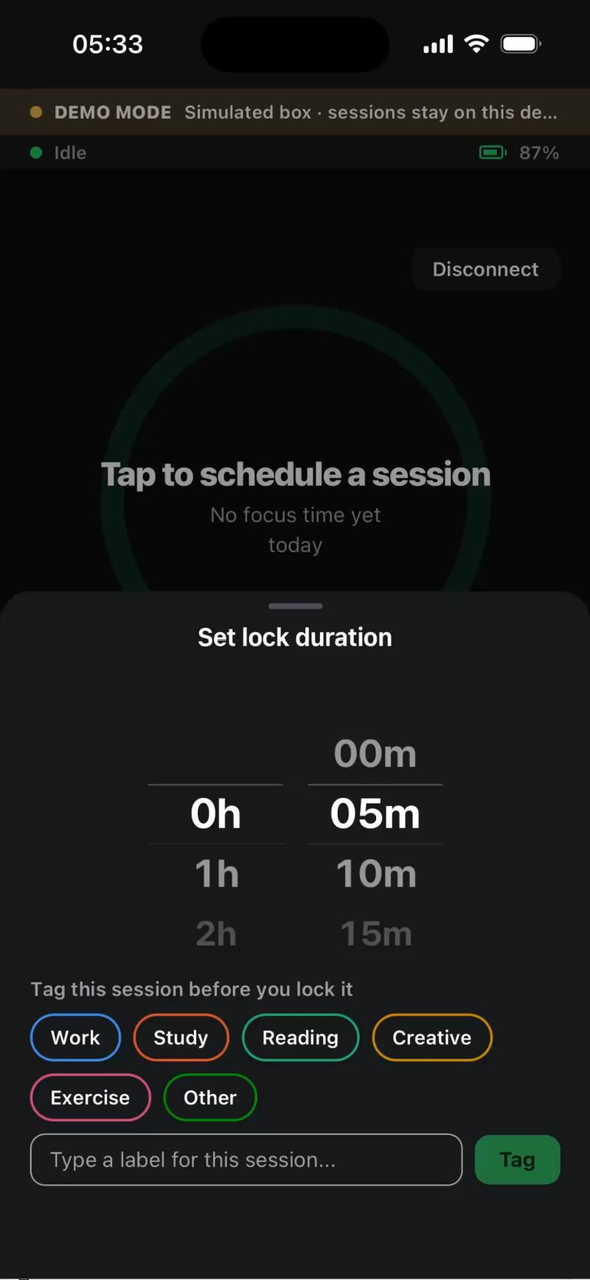 Set duration and tag
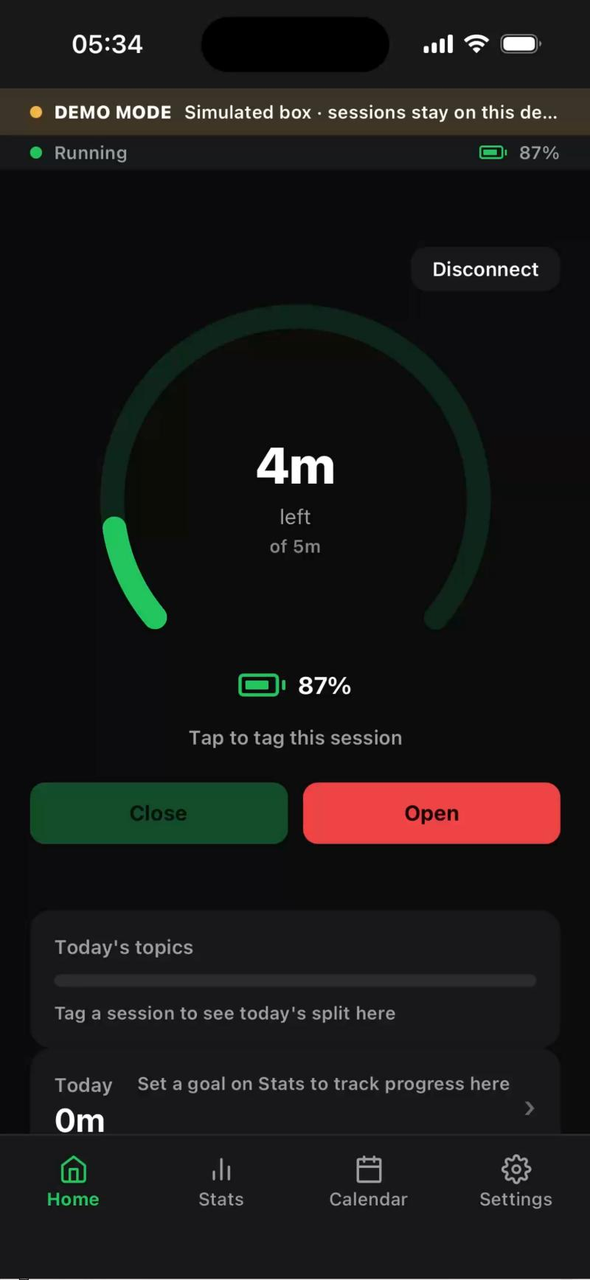 Home, lock running
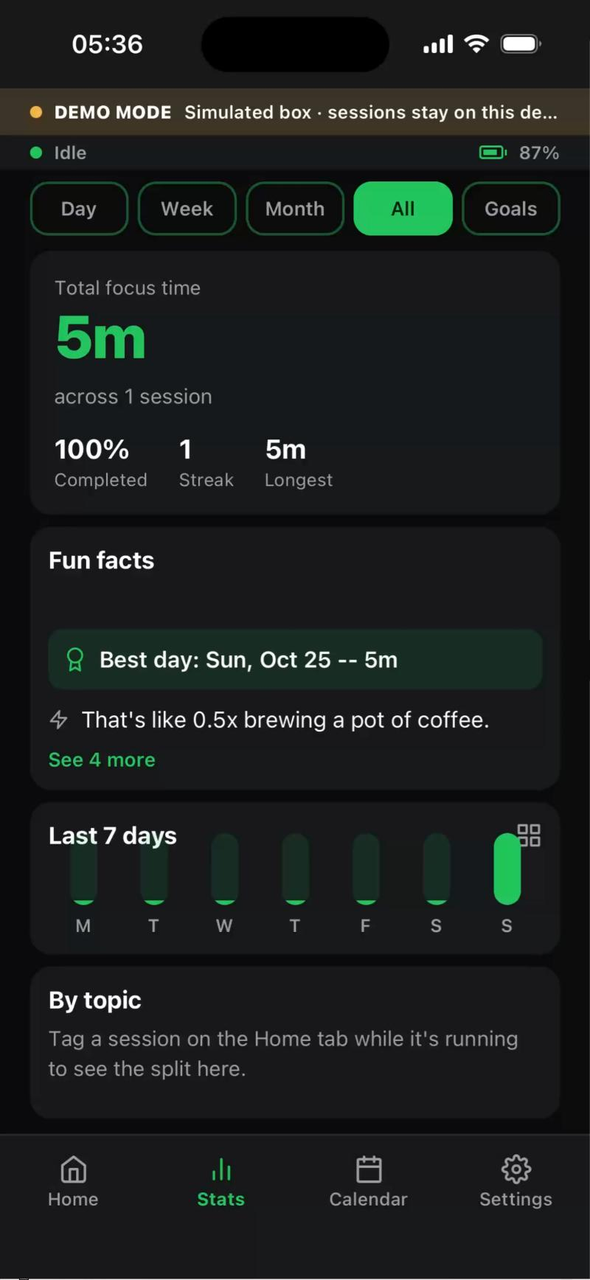 Stats after a session
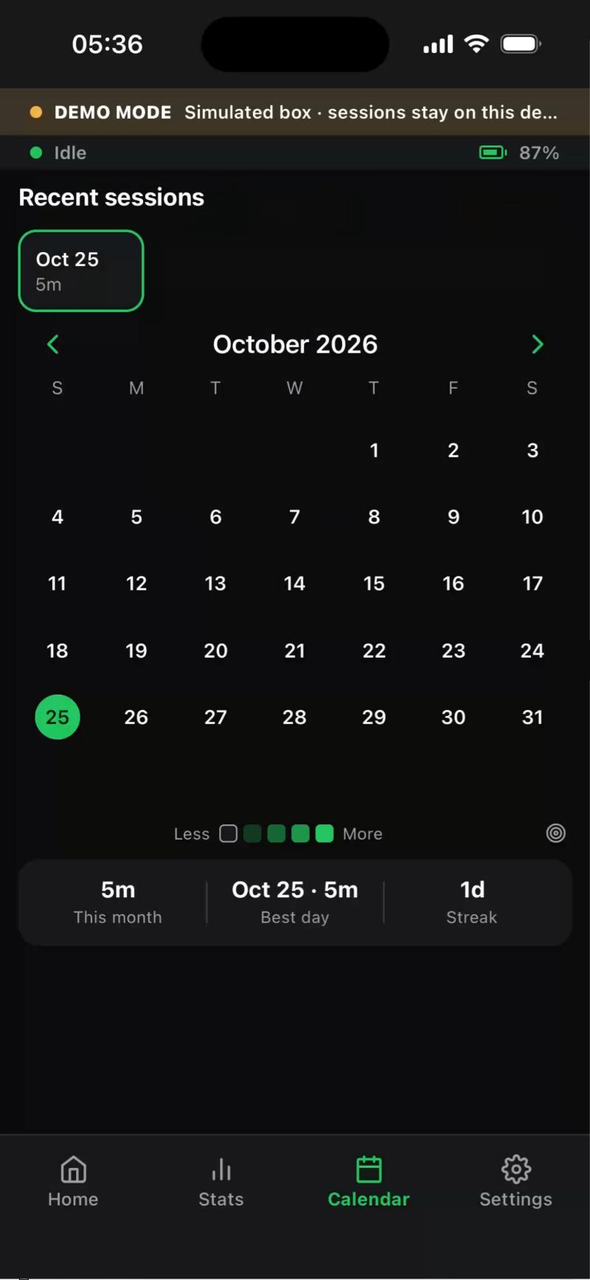 Calendar and recent sessions
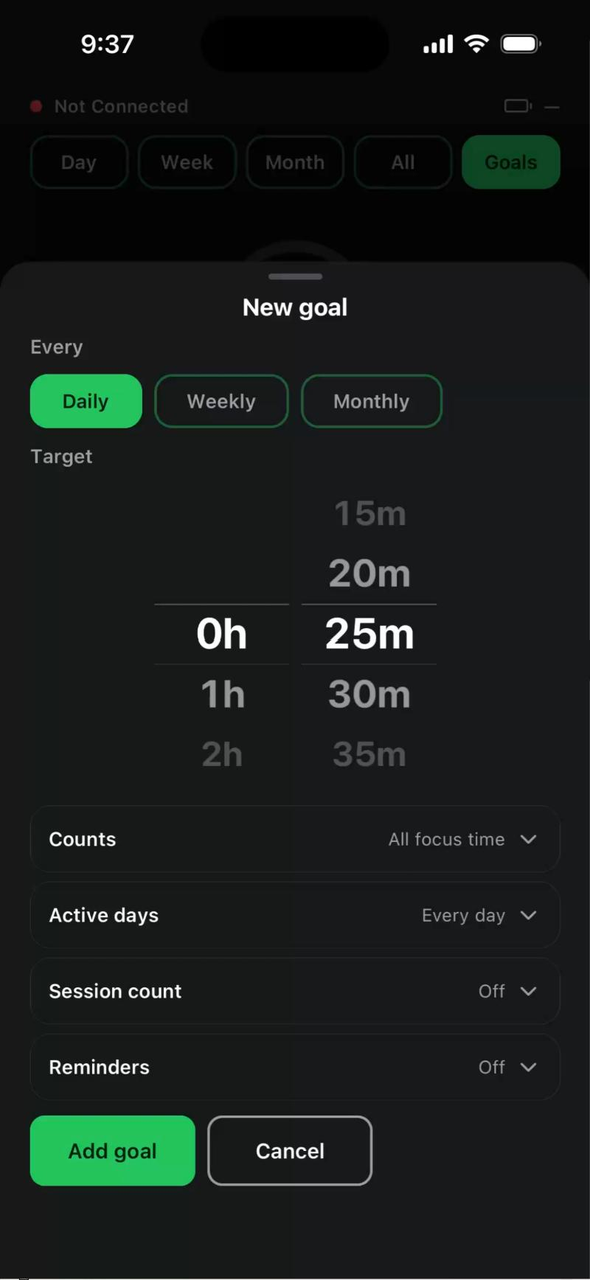 New goal
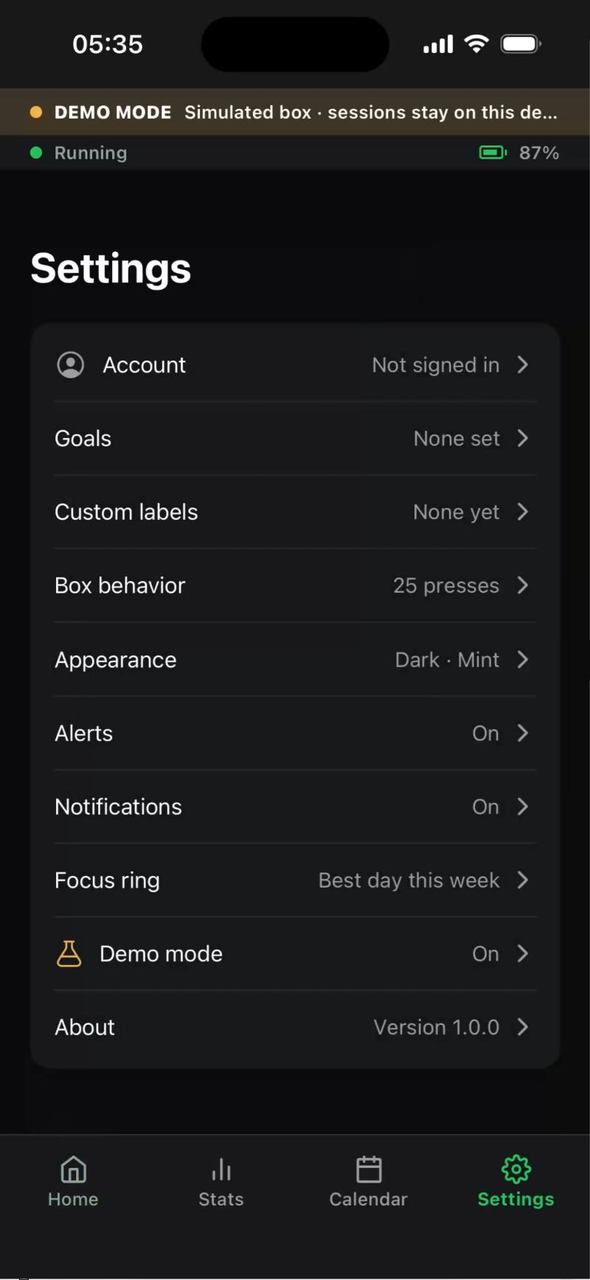 Settings